Start here
Three things to do, in this order.
Build your strategy
Go through the 7 steps of the form. You fill it in yourself, or in the paid plans you describe the idea to Tactix Studio and it fills the form for you to check.
Test it
Save the strategy in Step 7, then press "Backtest this strategy". The backtest needs you to be signed in.
Get the code
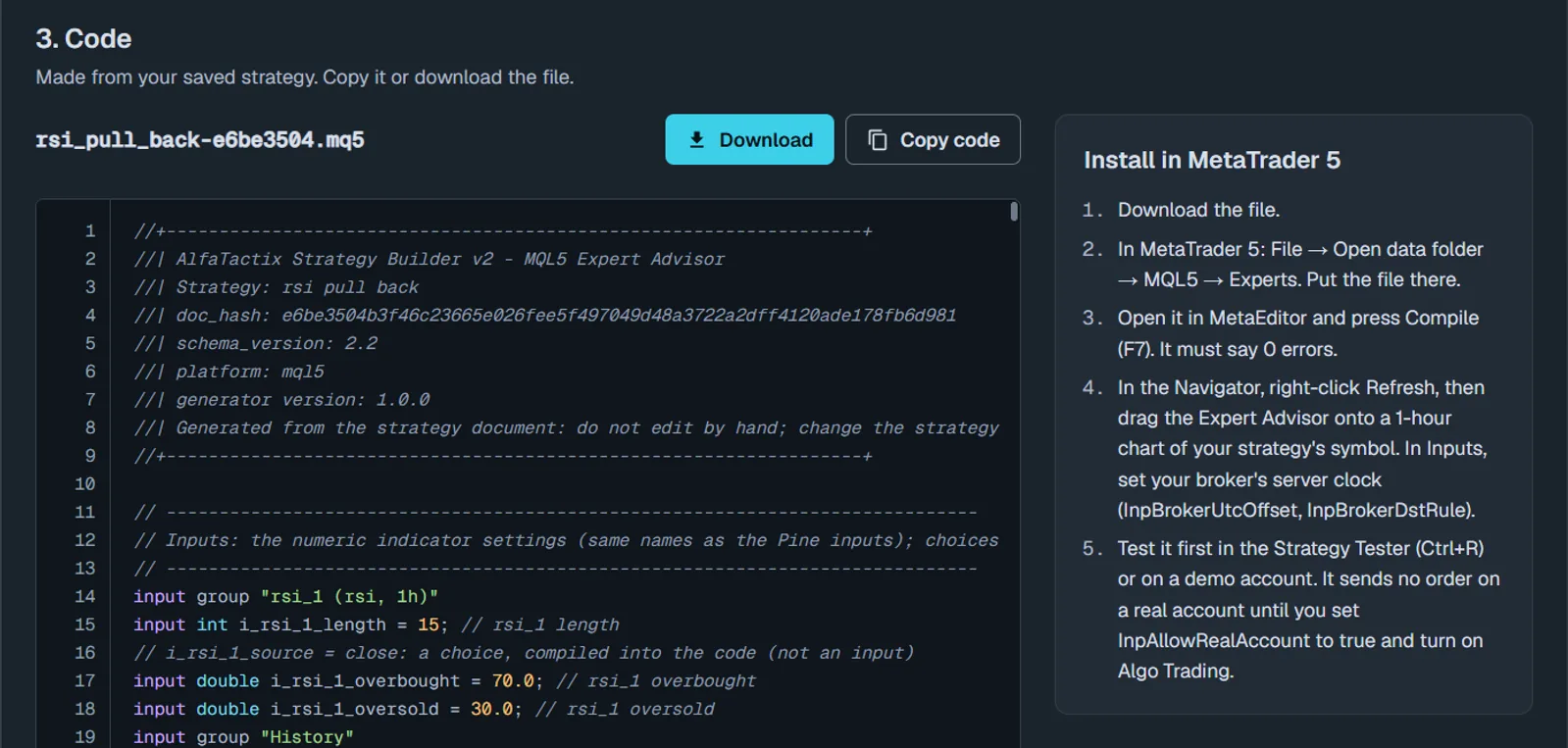
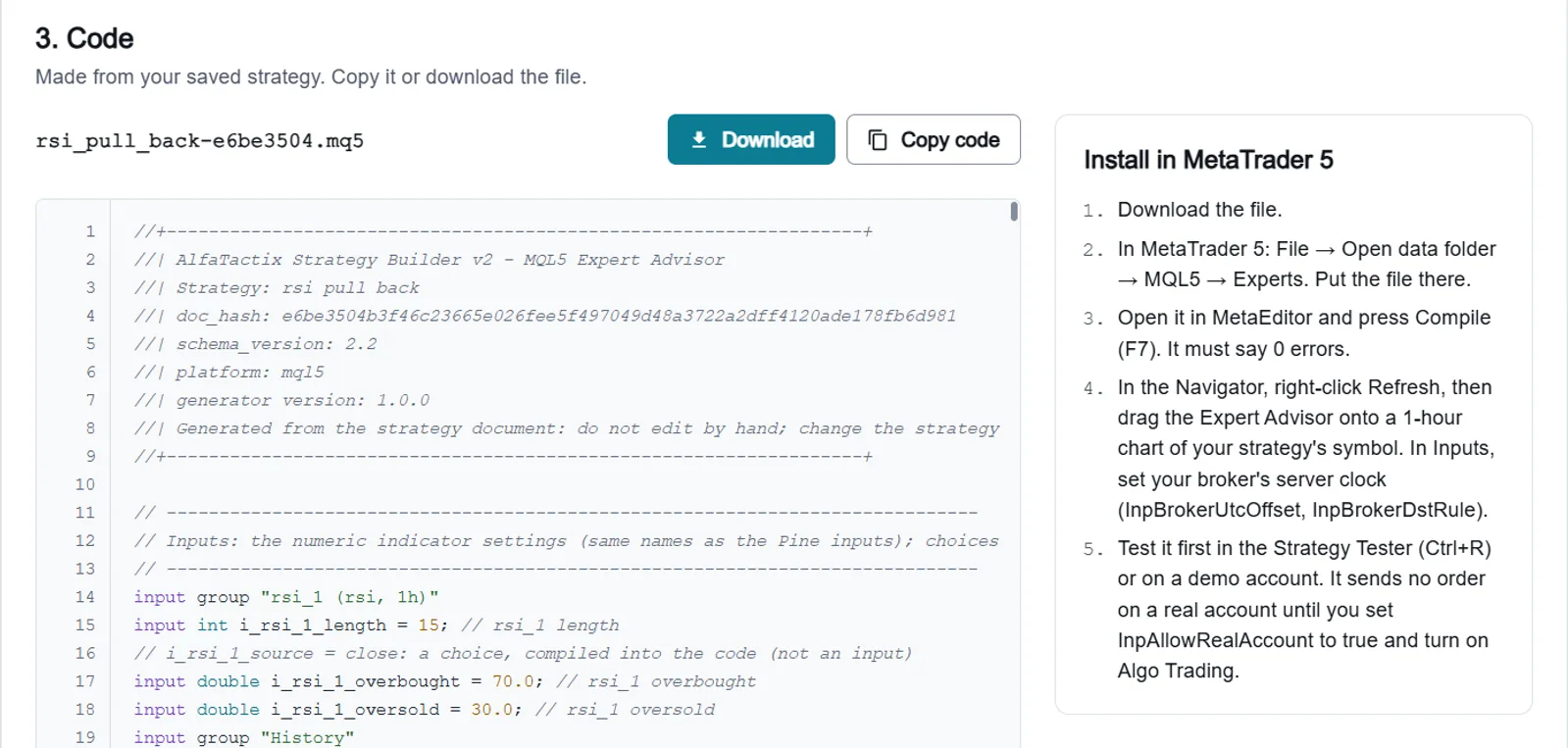
Press "Get the code" in Step 7. Code Generator opens with your strategy chosen; download the file and run it on your platform.
The 7 steps
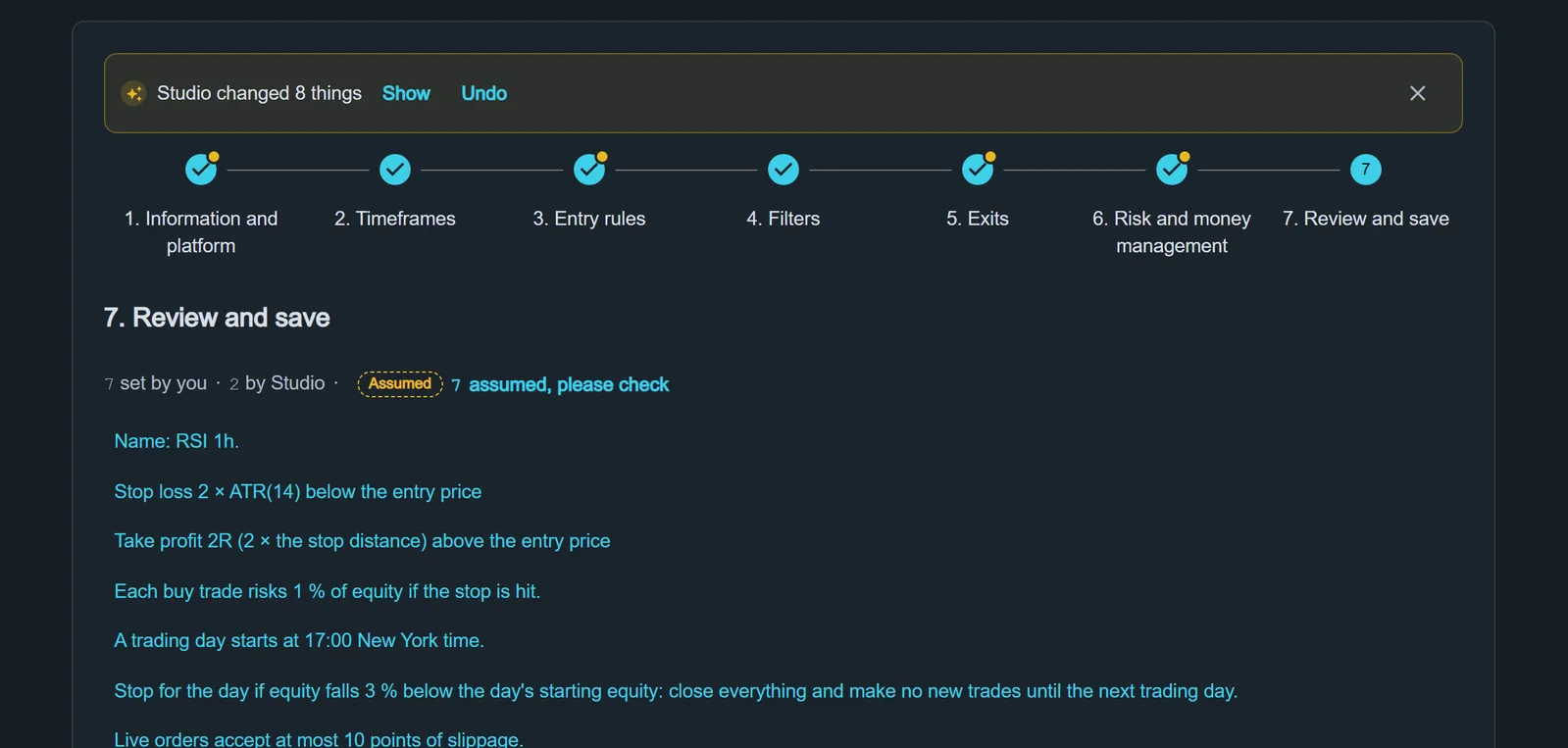
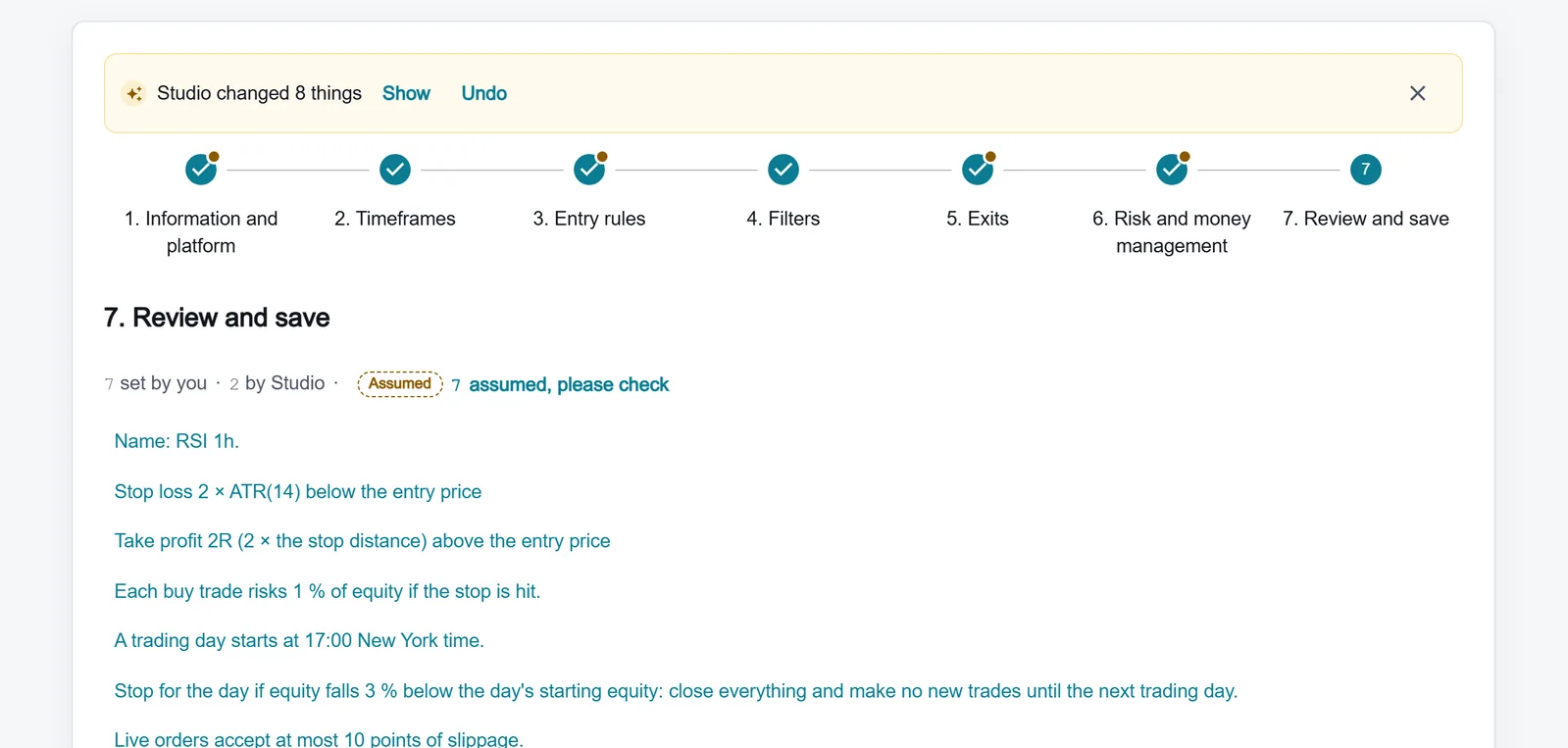
Every step is checked when you go on, and Step 7 lists anything left to fix.
Step 1
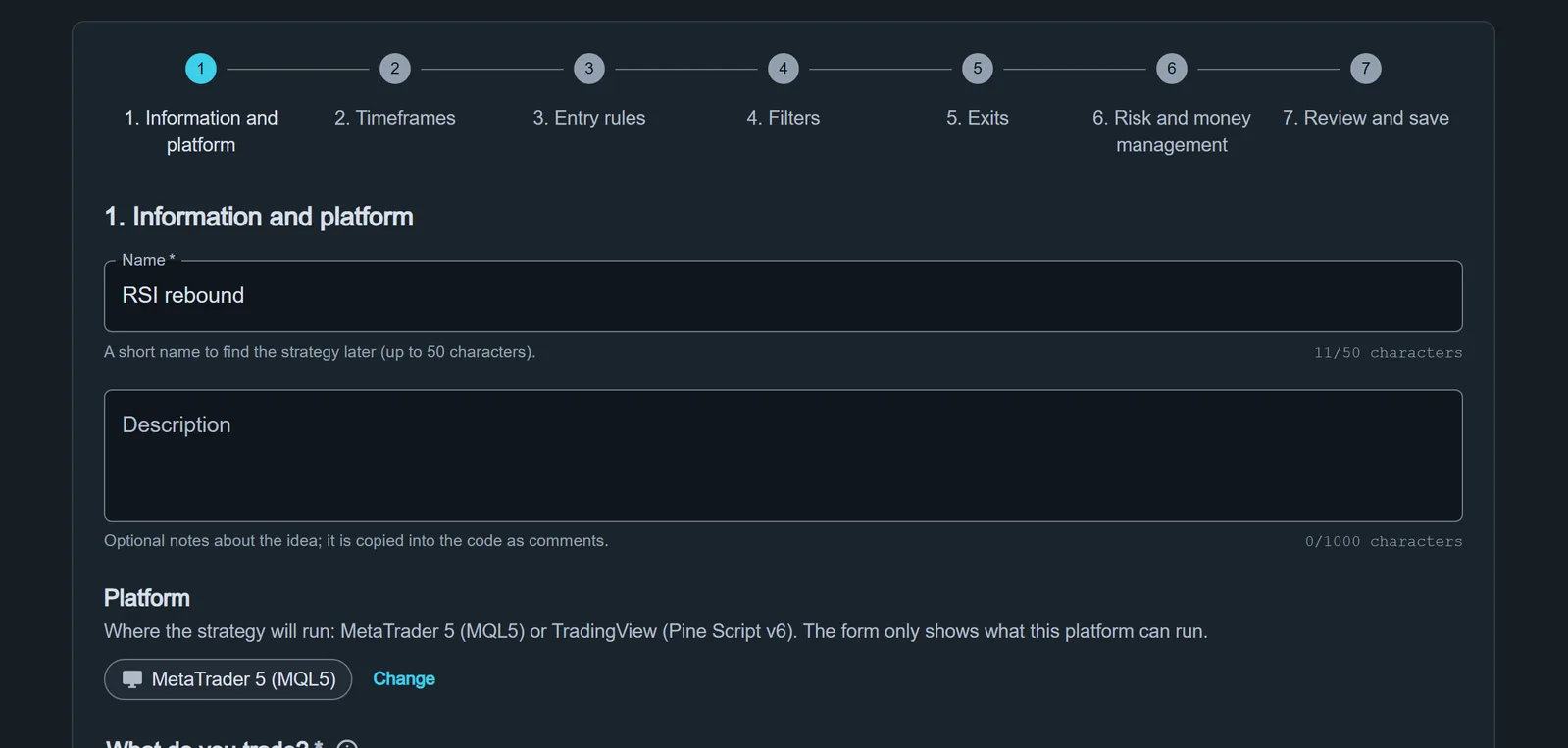
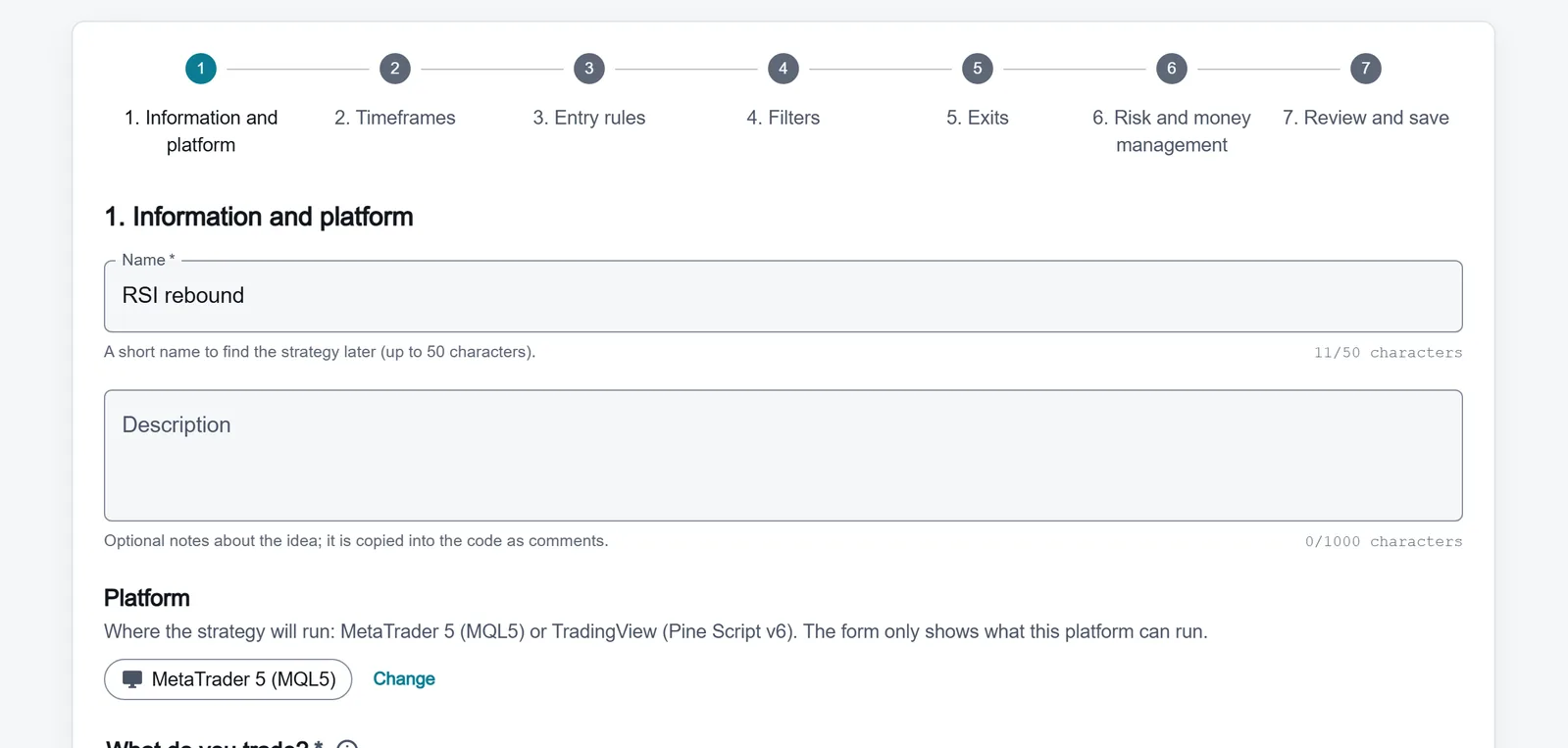
Information and platform
Name the strategy and choose the platform: MetaTrader 5 (MQL5) or TradingView (Pine Script v6). From then on the form offers only what that platform can run.
Step 2
Timeframes
Choose one timeframe to trade on and up to two higher ones for context.
Step 3
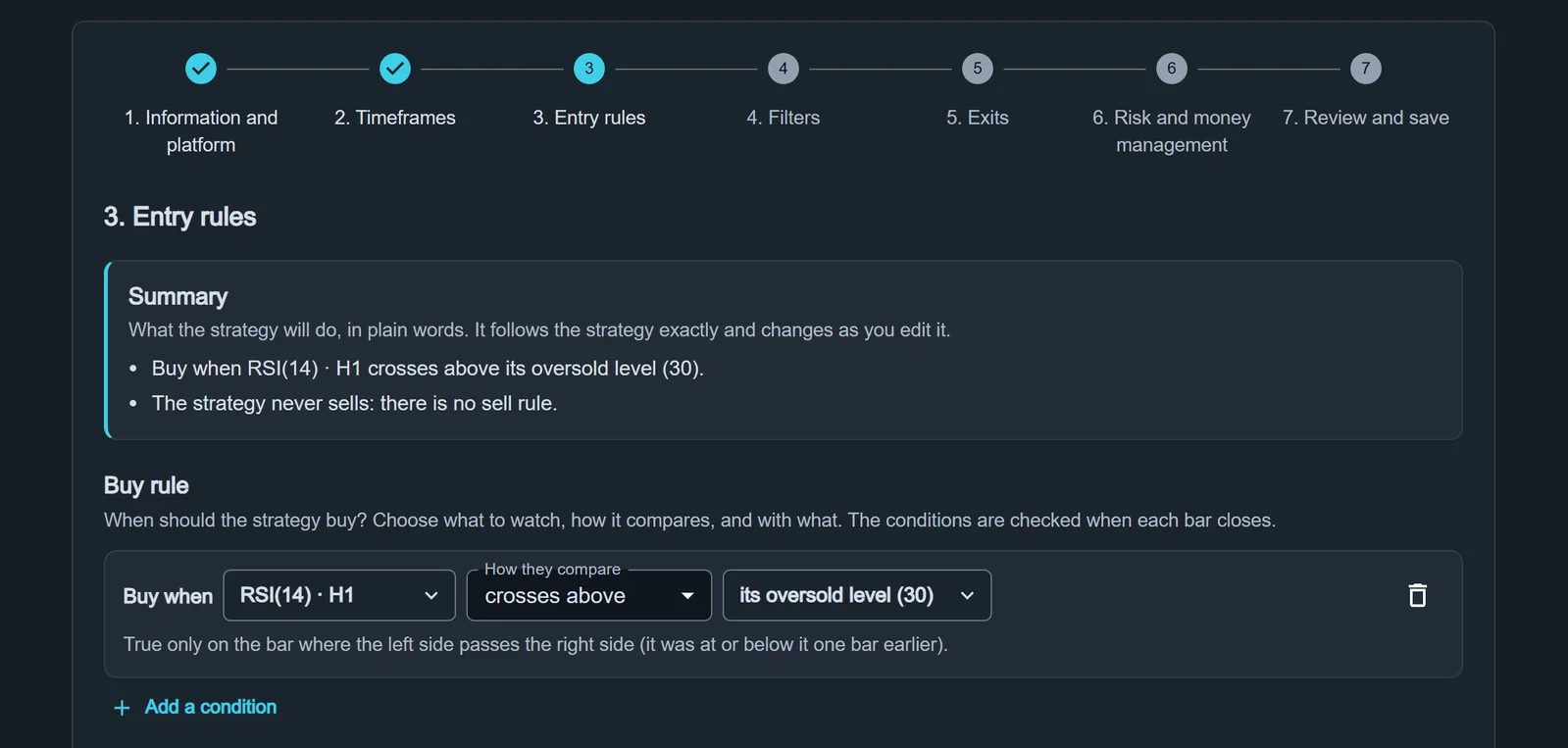
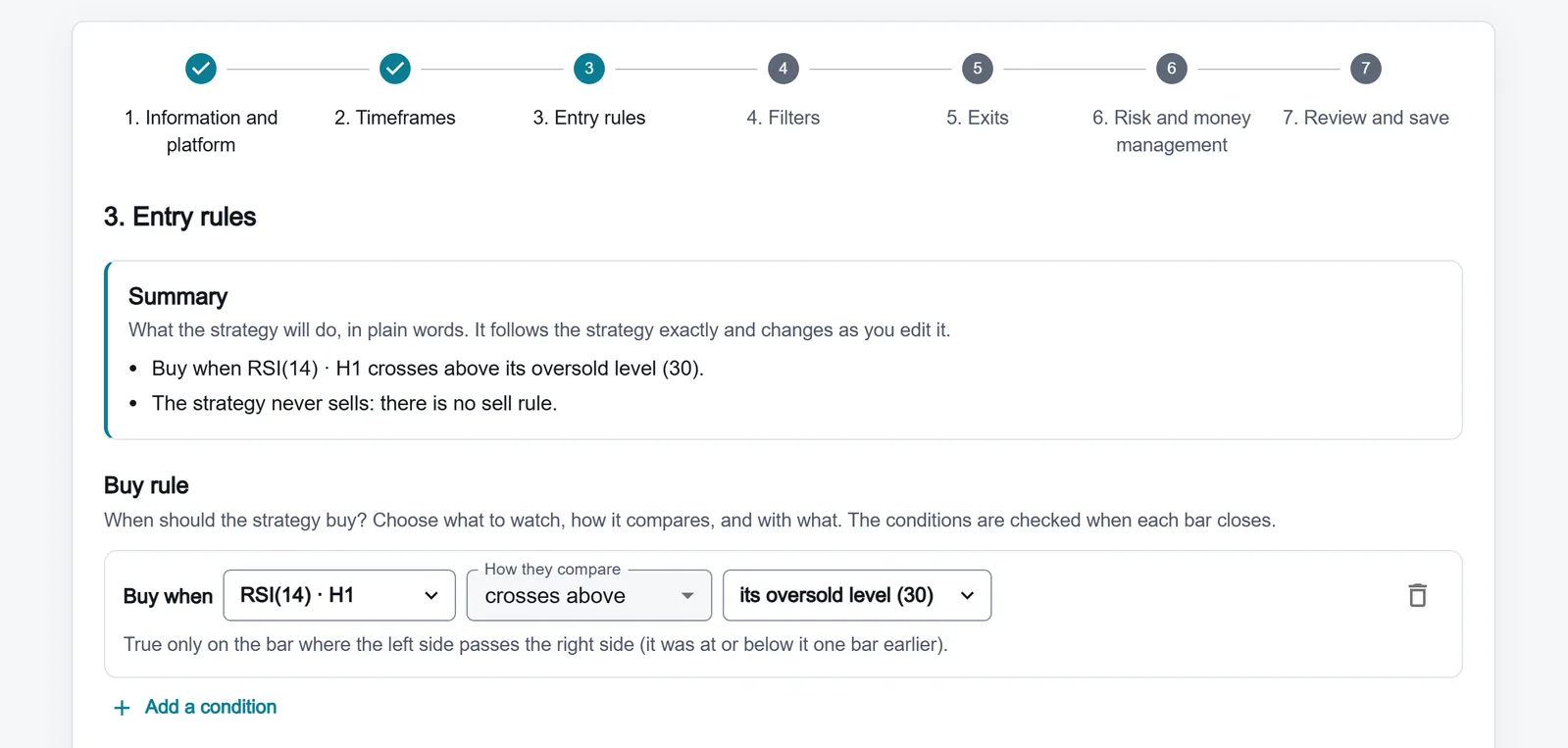
Entry rules
Pick from 47 indicator types and set when to buy and when to sell. Tip: start with one or two indicators.
Step 4
Filters
Decide when the strategy may trade: sessions, time ranges and days, spread, correlation or your own conditions. Up to 8 filters.
Step 5
Exits
Stop loss, take profit, trailing stop, breakeven, partial closes, exit rules and time exits, set for buy and sell.
Step 6
Risk and money management
Set the position size and the account limits: open positions, entries per day, daily loss, drawdown and losing streaks.
Step 7
Review and save
Read the whole strategy back as sentences, fix anything on the check list, then save. Reopen it later from "Open a saved strategy".
Run the code on your platform
Always confirm a strategy in your platform’s own Strategy Tester before you trade it.
MetaTrader 5
- Download the .mq5 file from Code Generator.
- Open it in MetaEditor and compile it.
- Test it in the MetaTrader 5 Strategy Tester.
TradingView
- Copy the Pine Script v6 code from Code Generator.
- Paste it into the Pine Editor and add it to the chart.
- Check it in the TradingView Strategy Tester.