

Which should I use?
Default for AlfaTactix users: visual Strategy Builder → Code Generator → TradingView Tester. Use AI as a tutor, not the source of truth. ChatGPT guide.
MT5 twin: AI vs visual EA builder.
Comparison
| Dimension | AI paste | Visual builder export |
|---|---|---|
| Plan limits | Easy to violate | Encoded in UI |
strategy() vs study | Frequent mistakes | Export targets strategy |
| Auditability | Opaque diffs | Step-by-step JSON → Pine |
| Speed to first draft | Fast prose | Fast for supported rules |
| Tester readiness | Hit-or-miss | Designed for attach |
Official Pine: Strategies [1] · v6 [2].
When AI helps
Explaining errors, renaming inputs, teaching strategy.exit, translating comments. Not inventing MTF on Basic.
When visual wins
Any playbook in this academy (MA, MACD+RSI, …), plus convert manual.
AlfaTactix fit
Tactix Studio drafts the whole form from your description; export remains structured (production-ready). Validate with costs and Tester.
Tactix Studio Is the Third Option: AI Input, Visual Output
The comparison above treats "AI paste" and "visual builder" as opposites, and for raw chatbot code that split holds. But Tactix Studio is not AI paste — it never writes Pine directly. It reads a plain-language description and fills the same visual builder fields shown in this academy, so you get the speed of describing a strategy in a sentence without giving up the plan limits, validation, and structured export that make the visual builder auditable.
Practically: describe "MACD crossover with an RSI filter, 1% risk, no trades in the first hour after the open" and Tactix Studio drops that into Signals, Filters, and Risk as a draft. You still review every field, still hit the same real-time validation, still export through the same Code Generator — the comparison table above still applies to what happens after the draft lands.
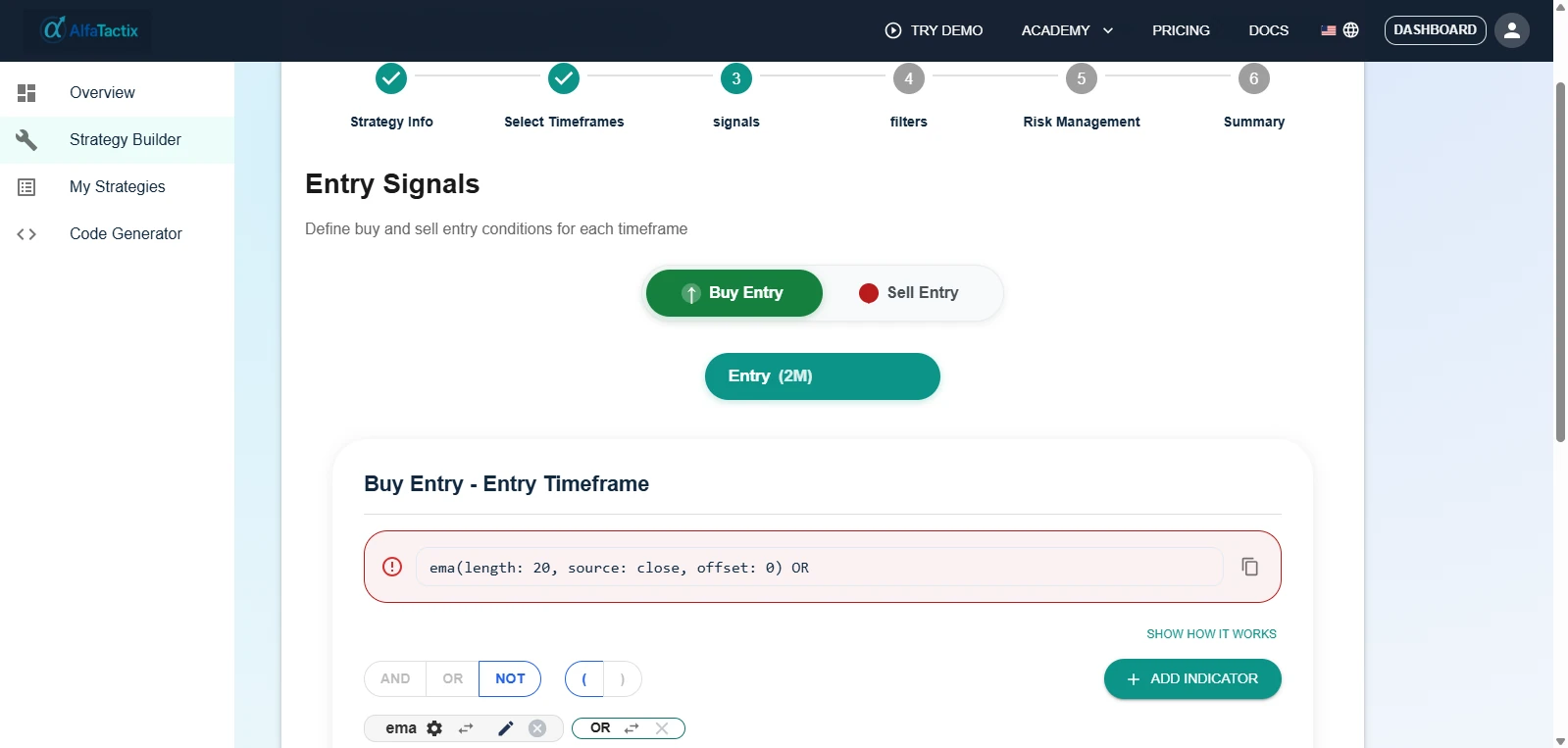
This is why the "AlfaTactix fit" recommendation above is not really Editor-vs-AI — it is describe-then-refine vs click-through-manually, both inside the same structured form. Try the demo with a one-sentence strategy description and see which fields Tactix Studio gets right before you touch anything.